
Getting started#
My son and I still play Wipeout Omega Collection on the PS4 from time to time (it holds up IMO), so after seeing a few examples of others who have also walked this "Wipeout in Lego" path (see below), I was inspired to have a crack myself.
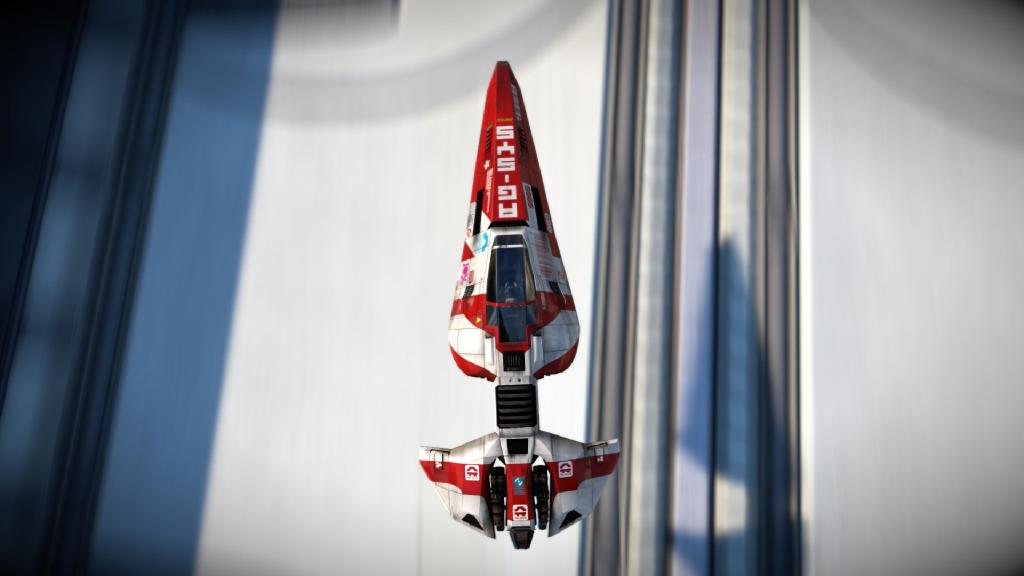
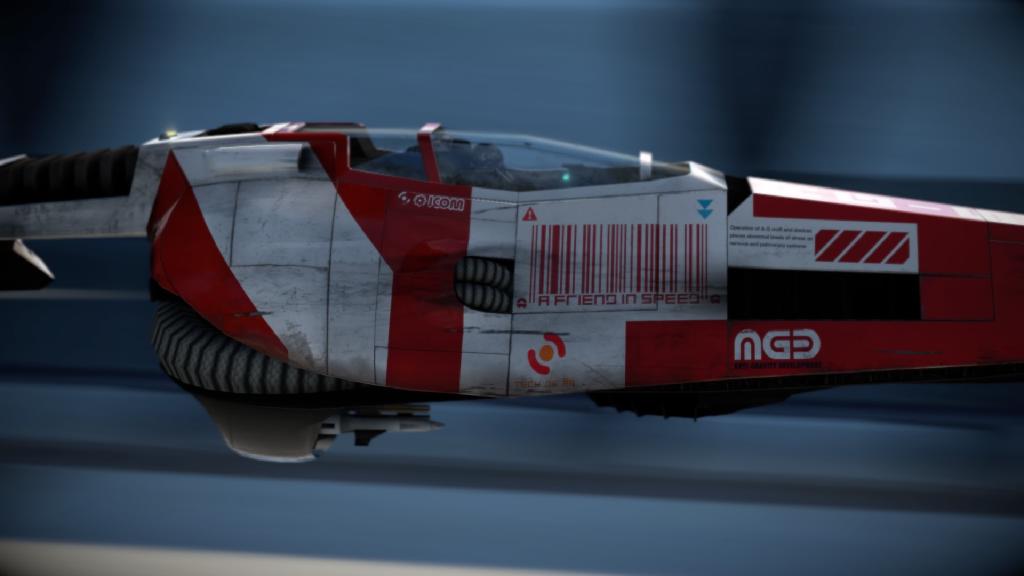
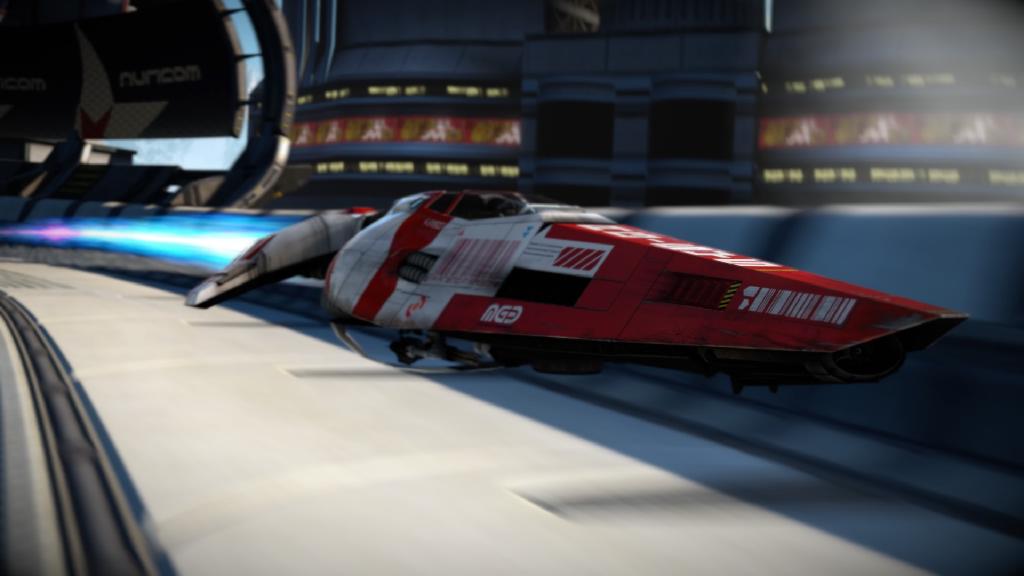
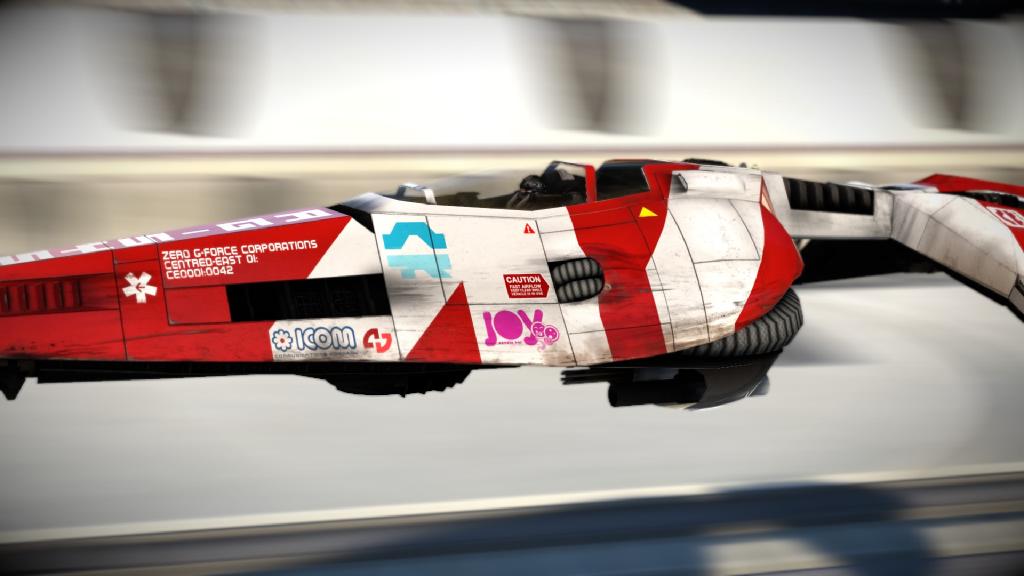
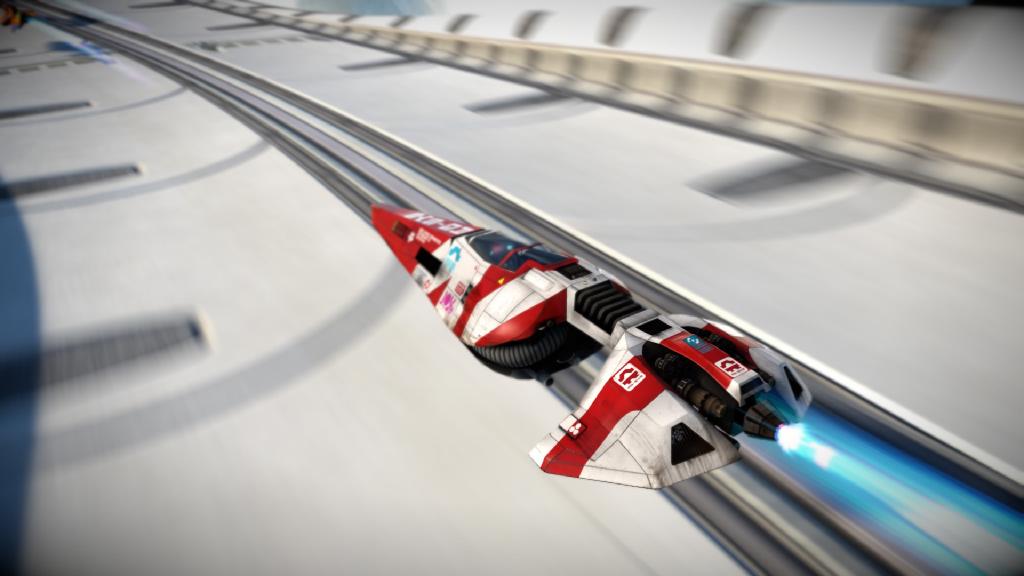
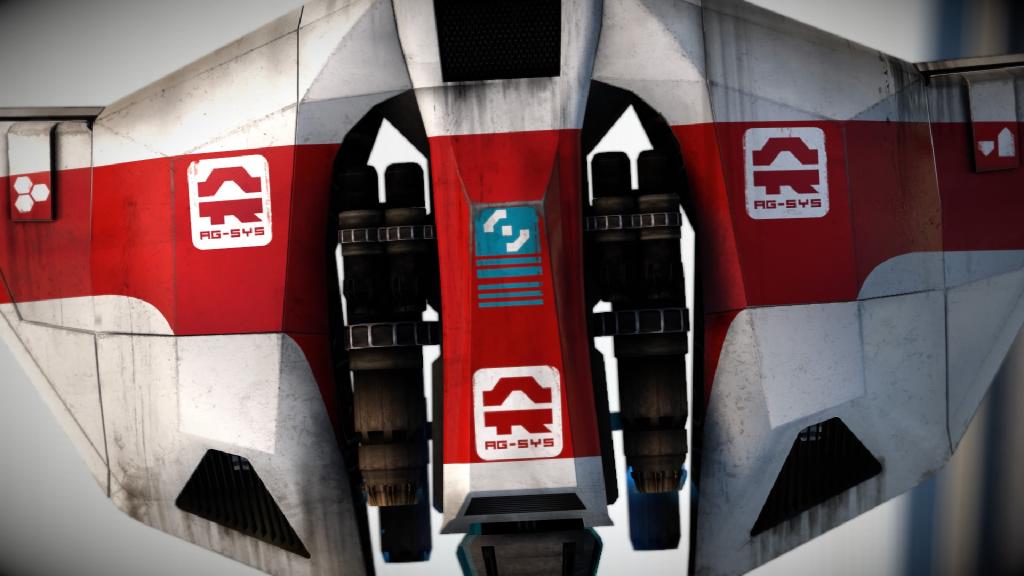
To get started, we needed some reference. Wipeout has a fantastic camera mode, so we took these screenshots from the game which gave me the visual references I needed to capture that distinctive AG-Systems aesthetic:
Overview#
I've used Bricklink's Studio before for some smaller projects but have avoided anything larger as I find it a little addictive. The freedom to use any possible Lego brick pushes my "solve a problem" buttons and must deliver regular dopamine hits as each mini-problem is solved with a new brick combination.
In any case,
About the Build#
I created this from scratch in Bricklink Studio after seeing BryanEW710's "wipEout-Inspired Anti-Grav Racer" on Rebrickable - it gave me an idea on how to start: cockpit first, with wings, nose and tail all built around it.
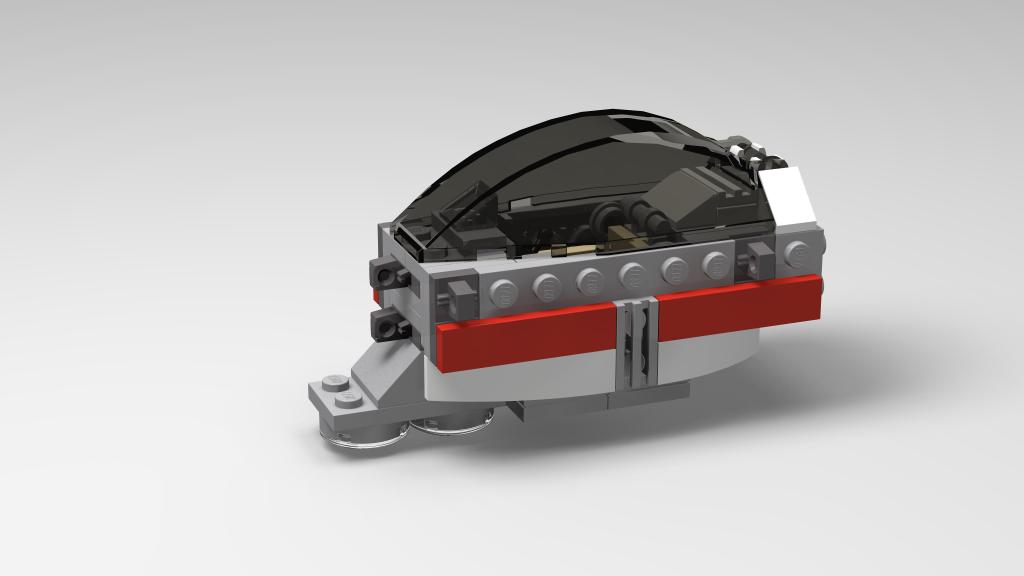
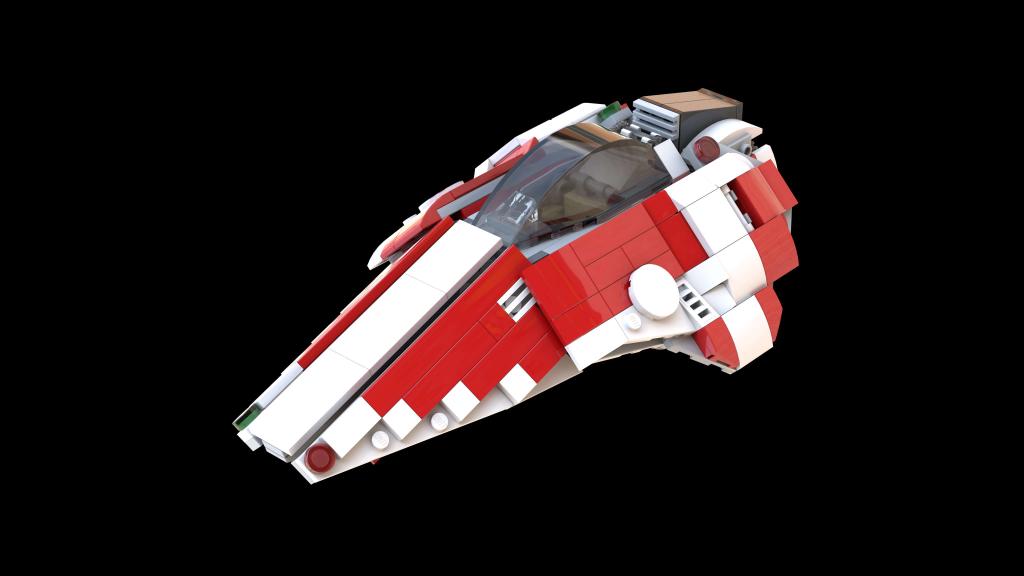
Starting like this is full of trial and error. Building on screen has its challenges with scale, brick usage and stability. Studio tries to help you and does a decent job, but it still took a number of revisions to get to a cockpit model I was happy with (with subsequent adjustments and revisions as the other parts were designed).
After seeing BryanEW710's effort, I knew I wanted to create something a bit bigger a bit more substantion, so the challenge was set. But before getting going, what had others done?
Inspiration from the Community#
Looking around for more inspiration, I came across a number of others who have walked this path before me, which were both inspiring and instructive for my build. This included:
- Marius Herrmann's excellent Tigron, Feisar and AG-SYSTEMS efforts (also with instructions!)
- Cecilie Fritzvold's AG-Systems model
- Bryan92609's very EPIC Wipeout 30th Anniversary Lego Beta Ideas model. So good!
- GalacticEmu022's classy Wipeout 3: Goteki 45 vs. Team Feisar
- And these two from RoiMottrotMentholé and SteadyGamer021
That's all to say, it's not like no-one has thought of this before.
The Design Process#
So as BryanEW710's build, I started with the central cockpit. To make a larger model, I needed a larger cockpit windscreen, so chose it and used it to set the overall size while still sticking to minifigure scale.
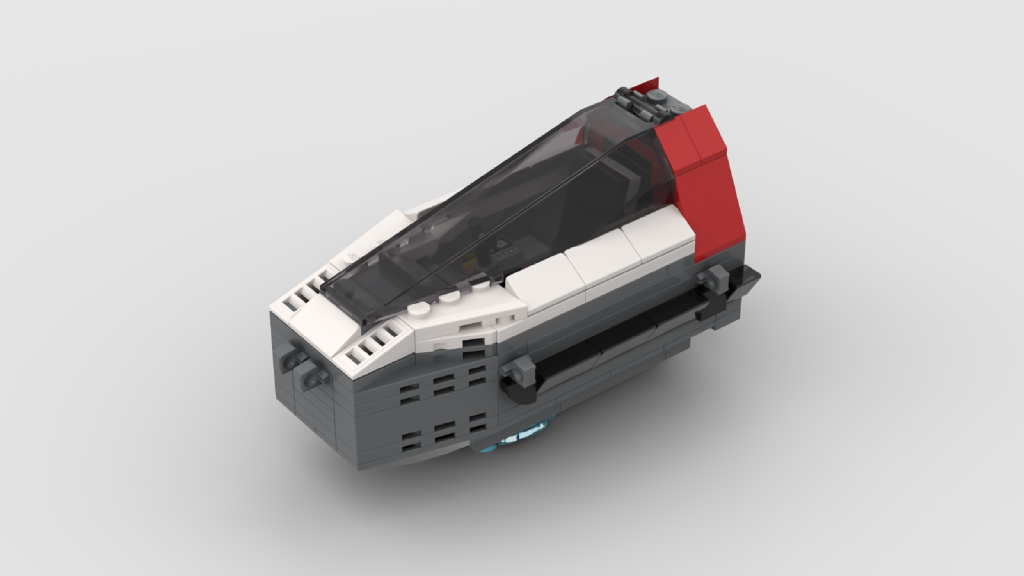
After completing the cockpit, it was a matter of moving around the ship, first creating the nose, the sides of the nose, wings and tail section, often with adjustments back to the related parts, trying to achieve the distinctive wedge shape of the reference. Not a simple task in Lego!
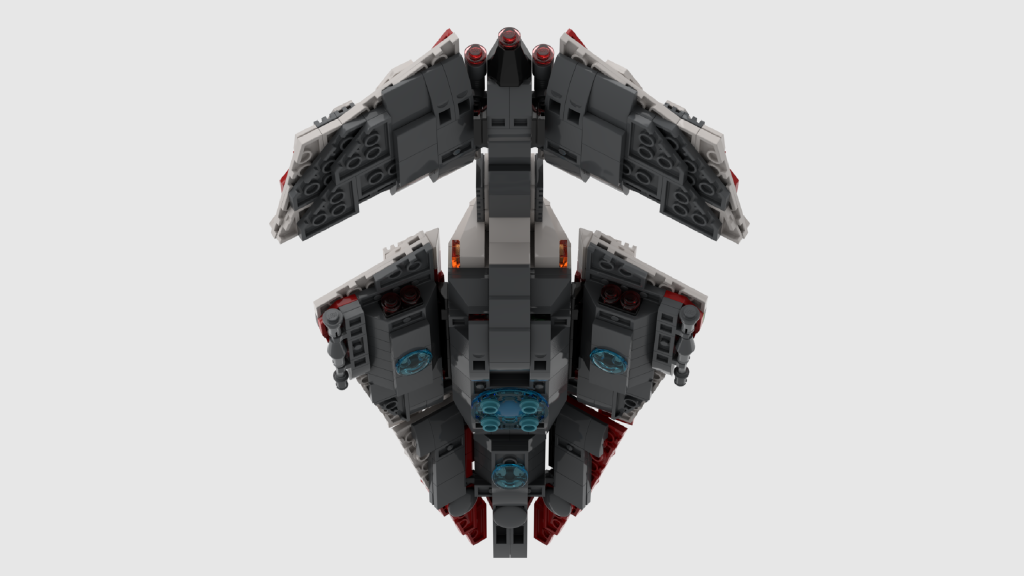
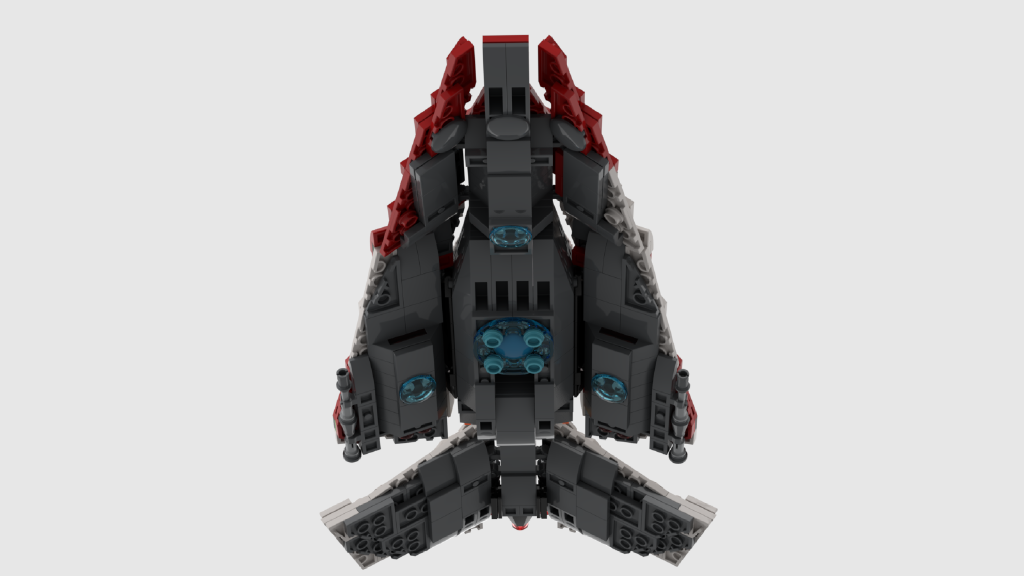
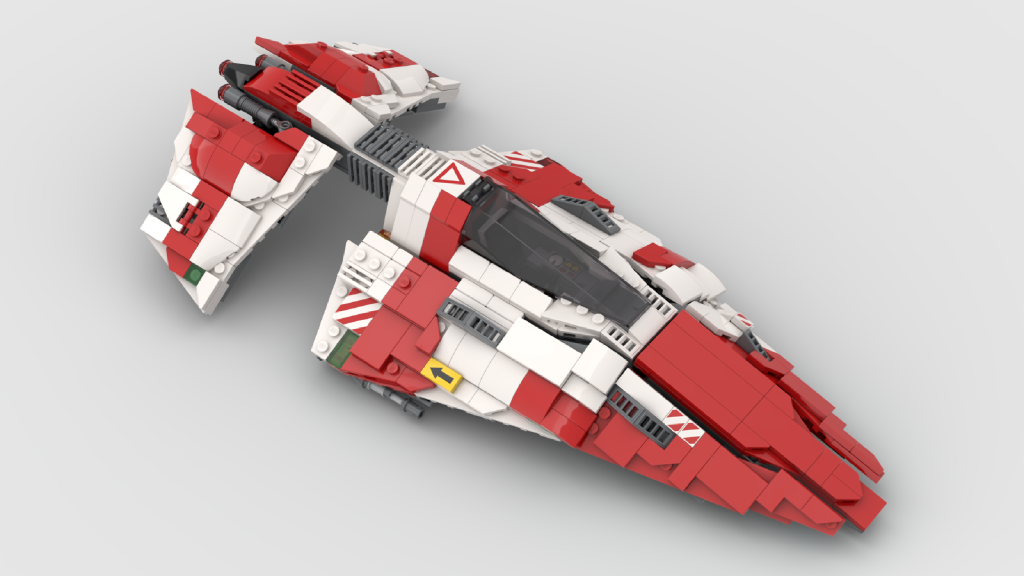
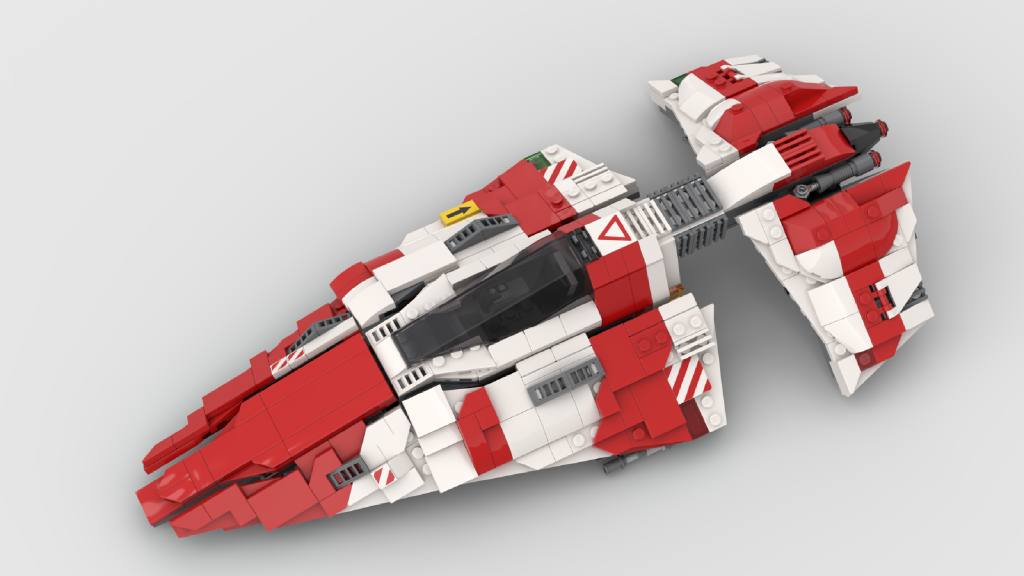
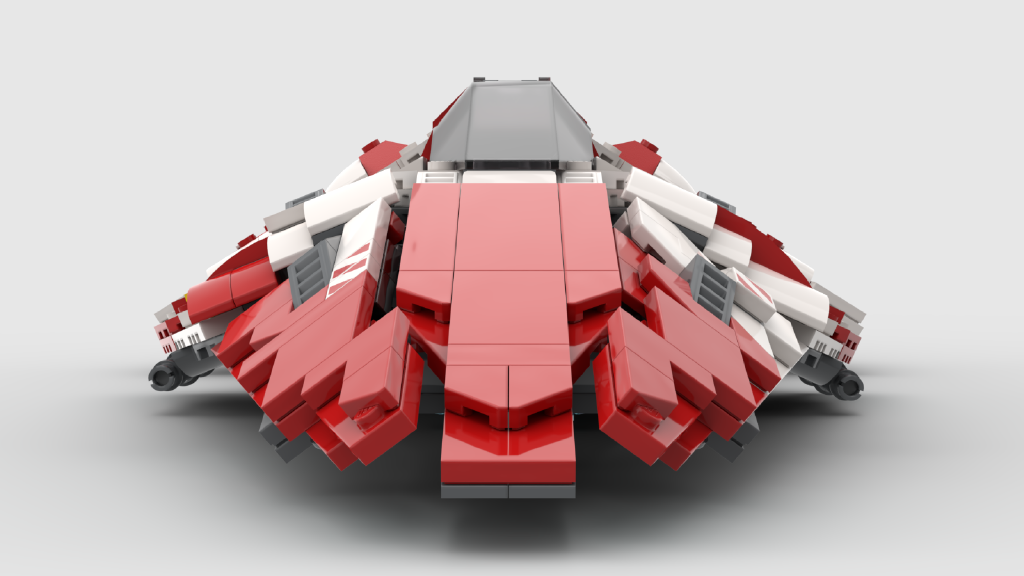
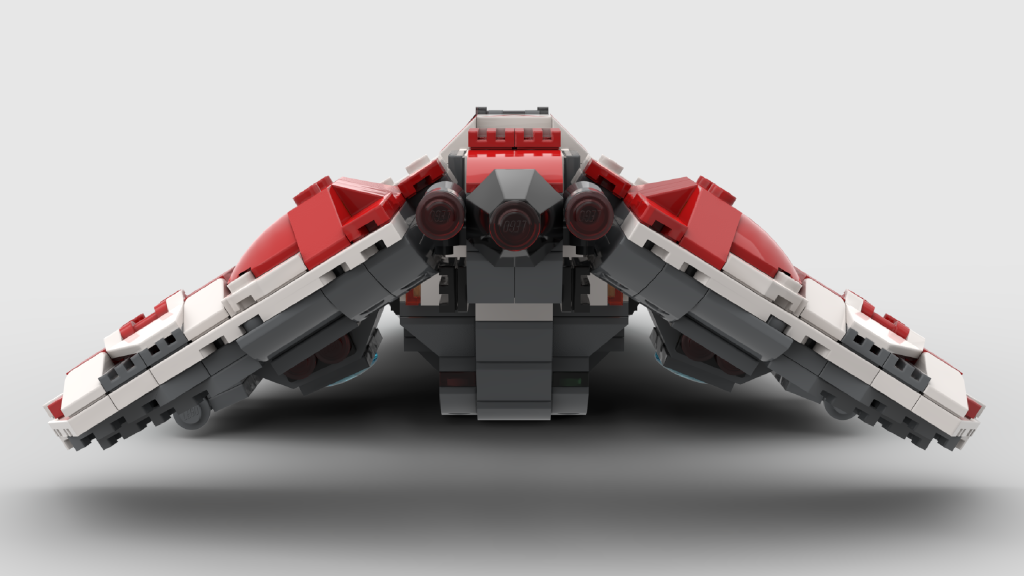
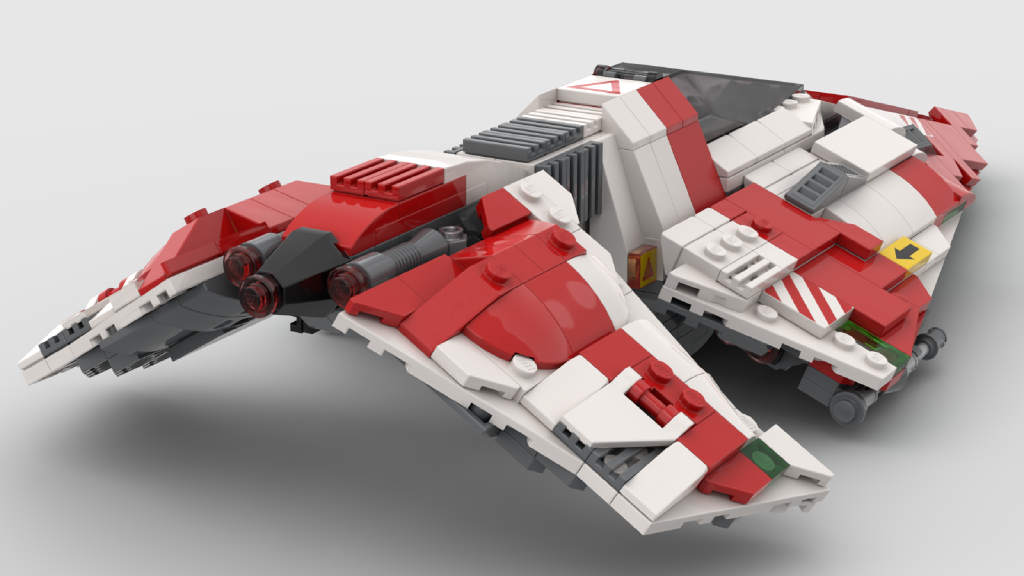
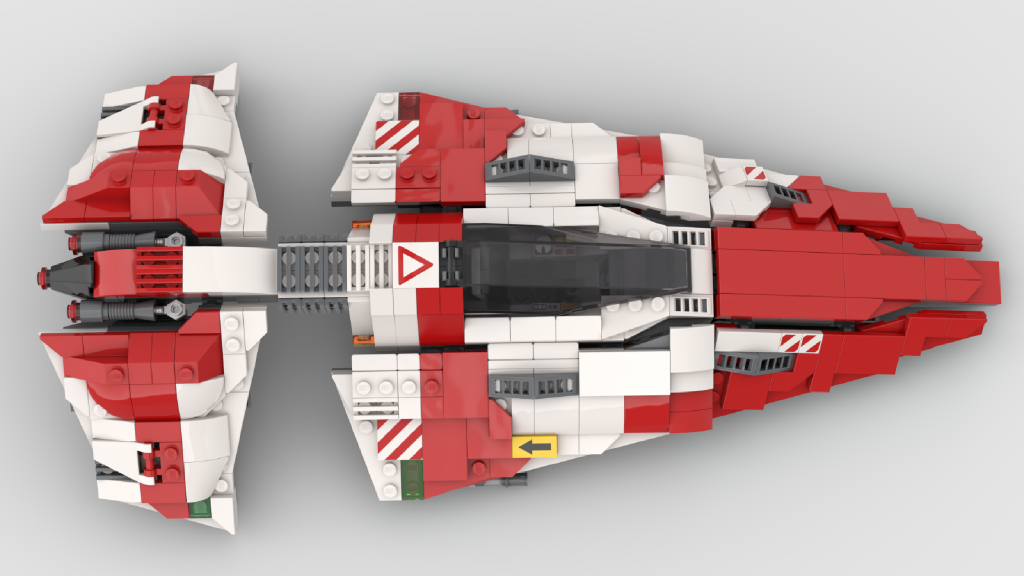
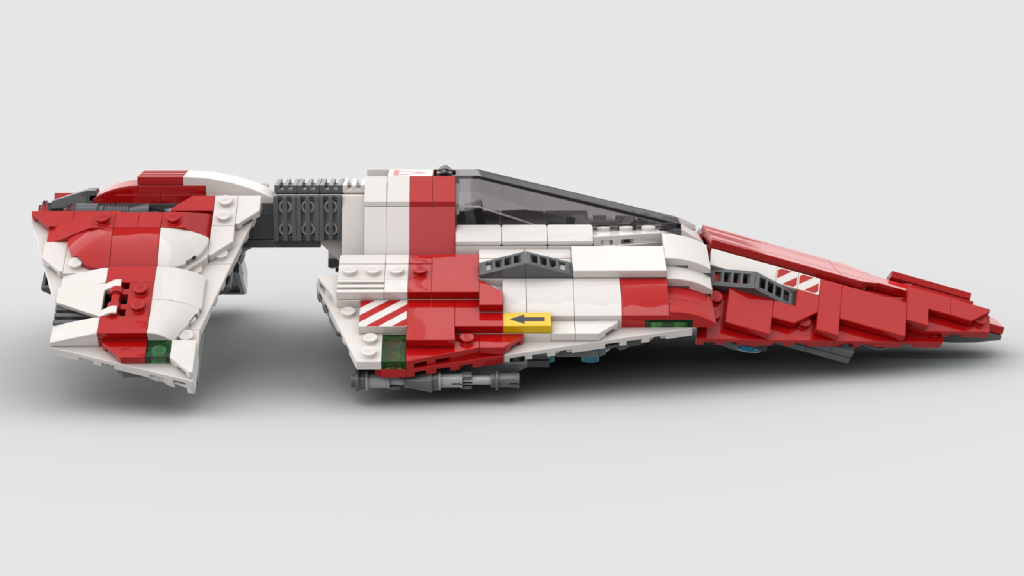
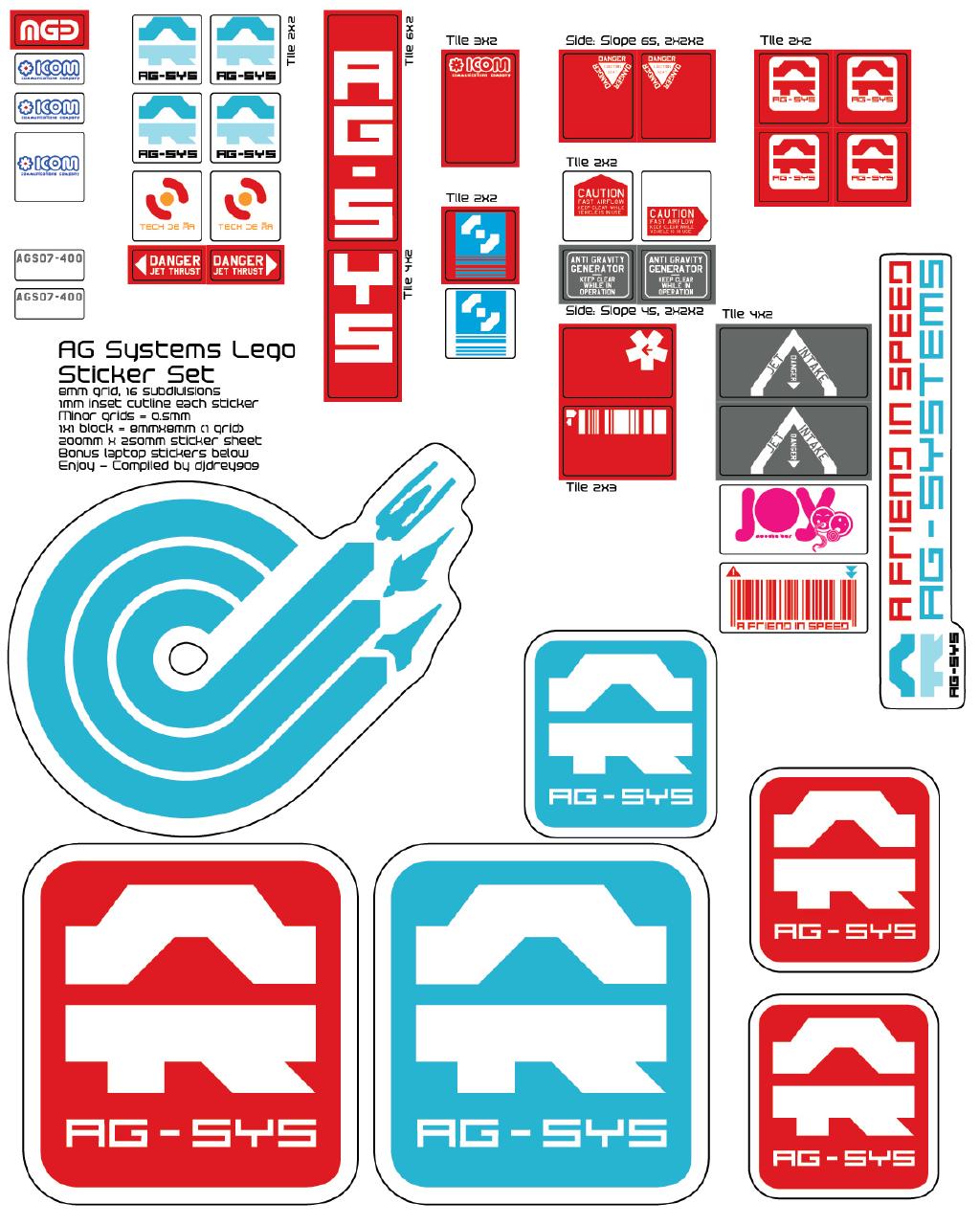
With the modelling largely completed and renders generated (a great feature of Studio), I was largely done, but no Wipeout model would be complete without some of the distinctive team logos and sponsors. After crawling the internet for vector art, I created a sticker sheet in Illustrator and had it printed to spice the model up further.
The Final Result#
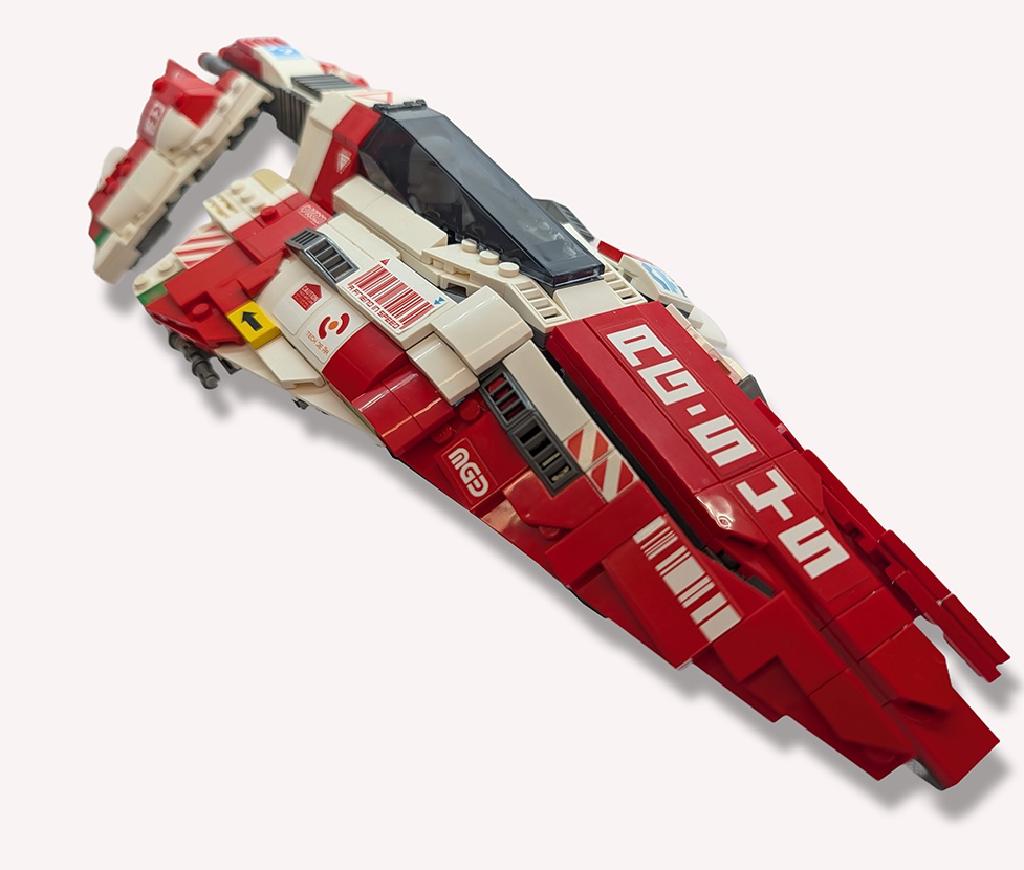
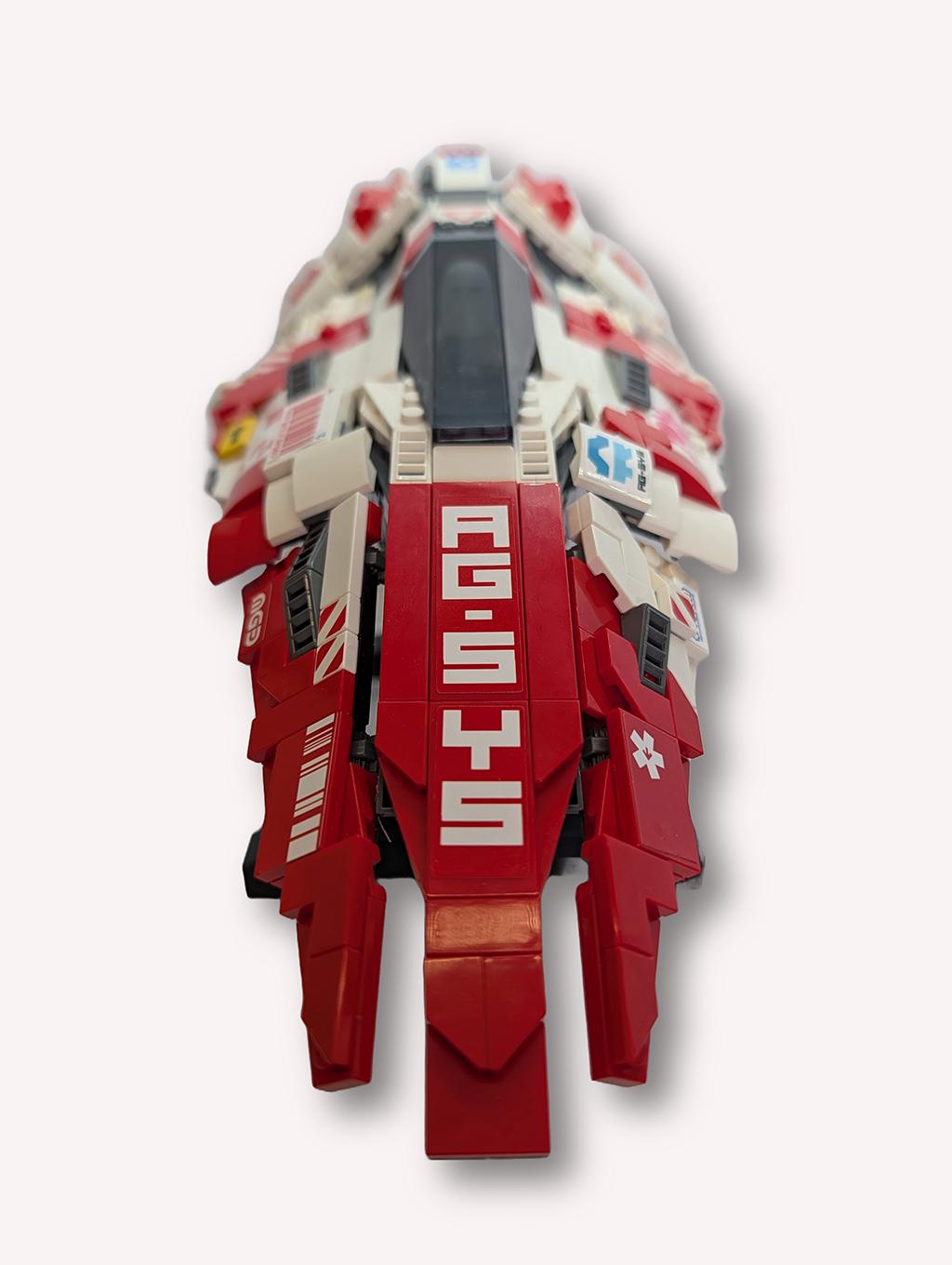
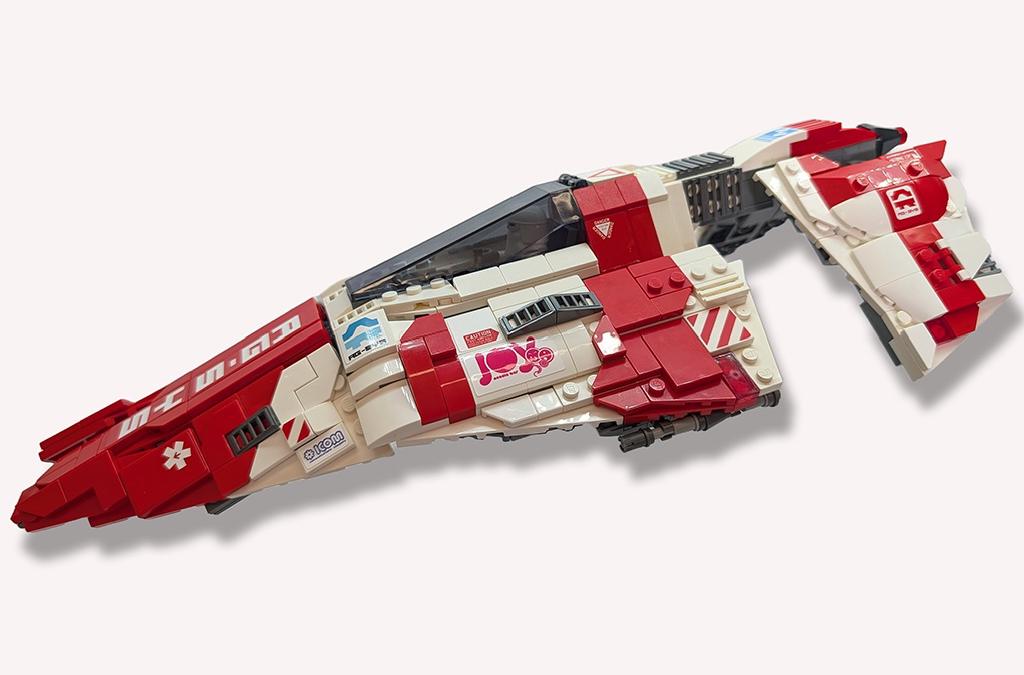
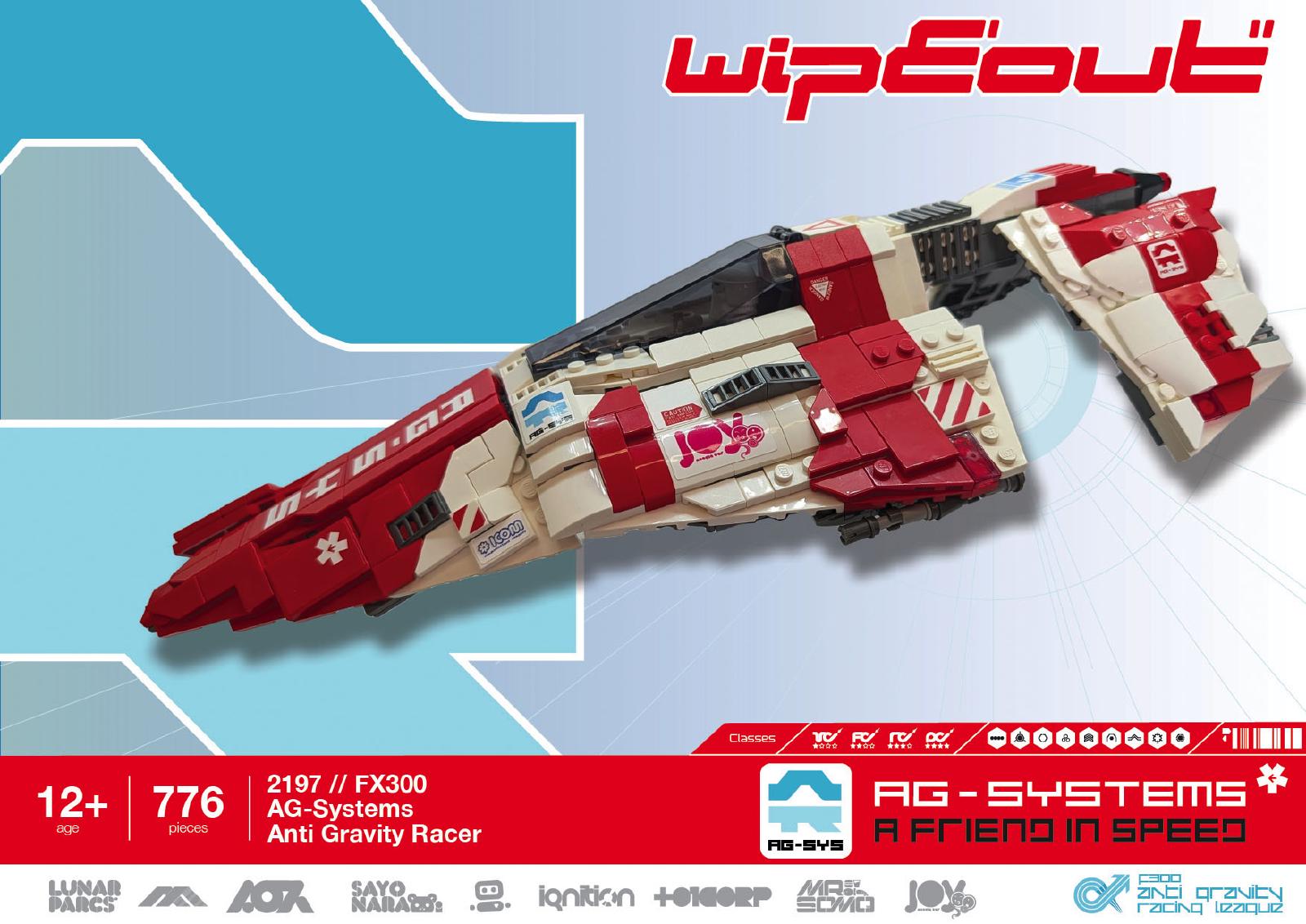
The result? A distinctive AG-Systems Lego model which tries to faithfully recreate the in-game ship with only a few little embellishments. I added some intakes in the wings and put the weapons out on the edge of the wings. Not 100% true to the game, but I thought it looked cool. Speaking of cool, it even has the classic Wipeout airbrake in the tail.
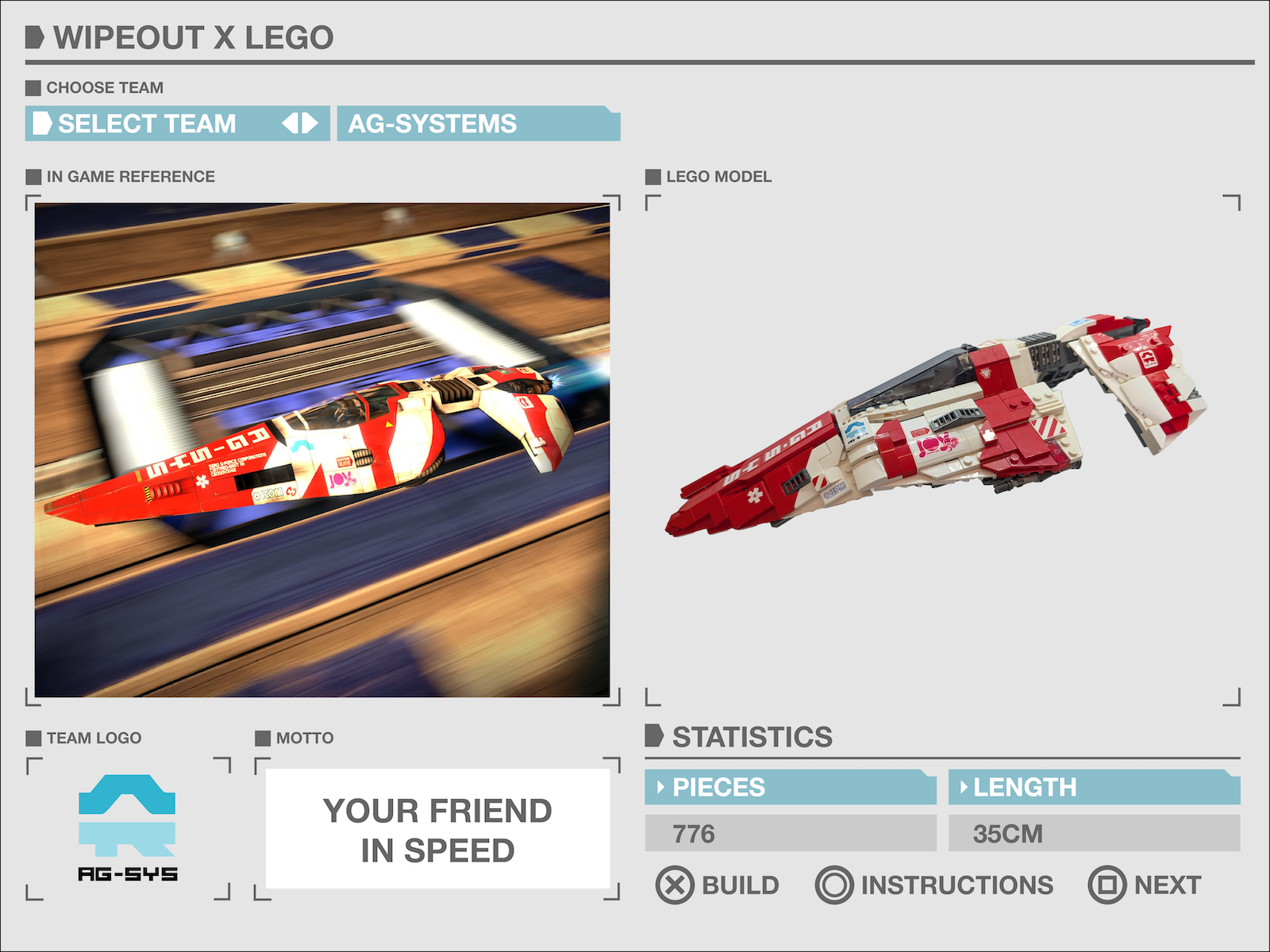
Using Bricklink's model to Wanted List feature, I was able to purchase all the parts (after adjusting the model to remove crazy expensive rare pieces) and my son and I built it for real using the generated instructions.
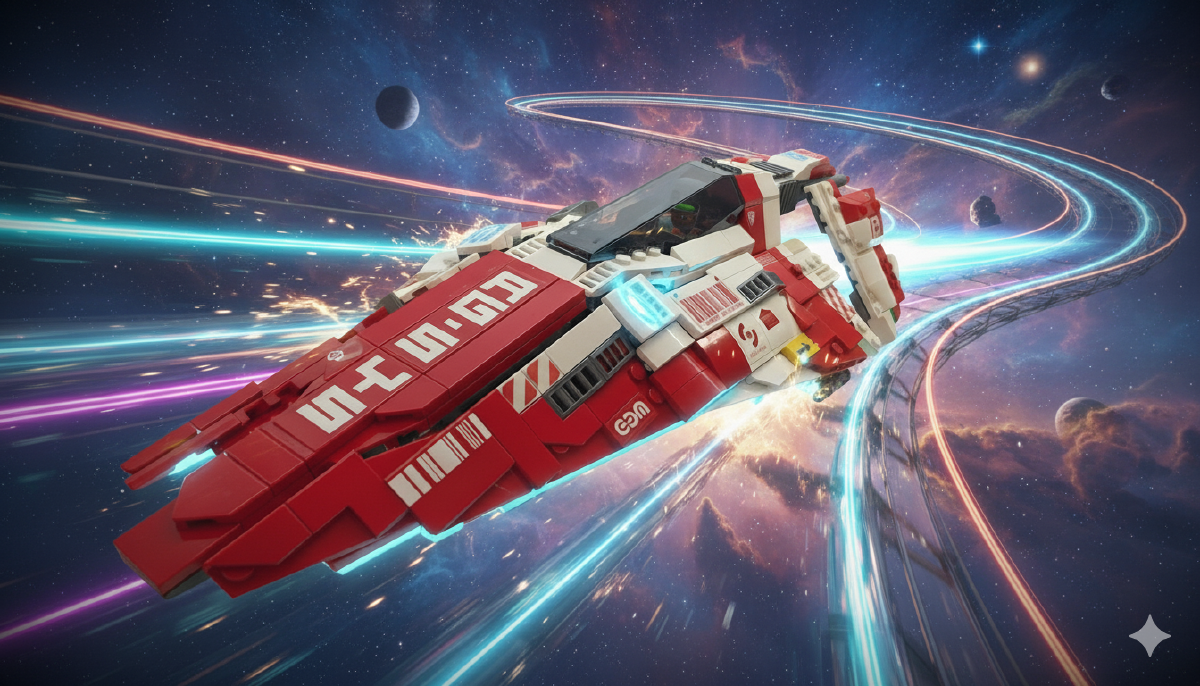
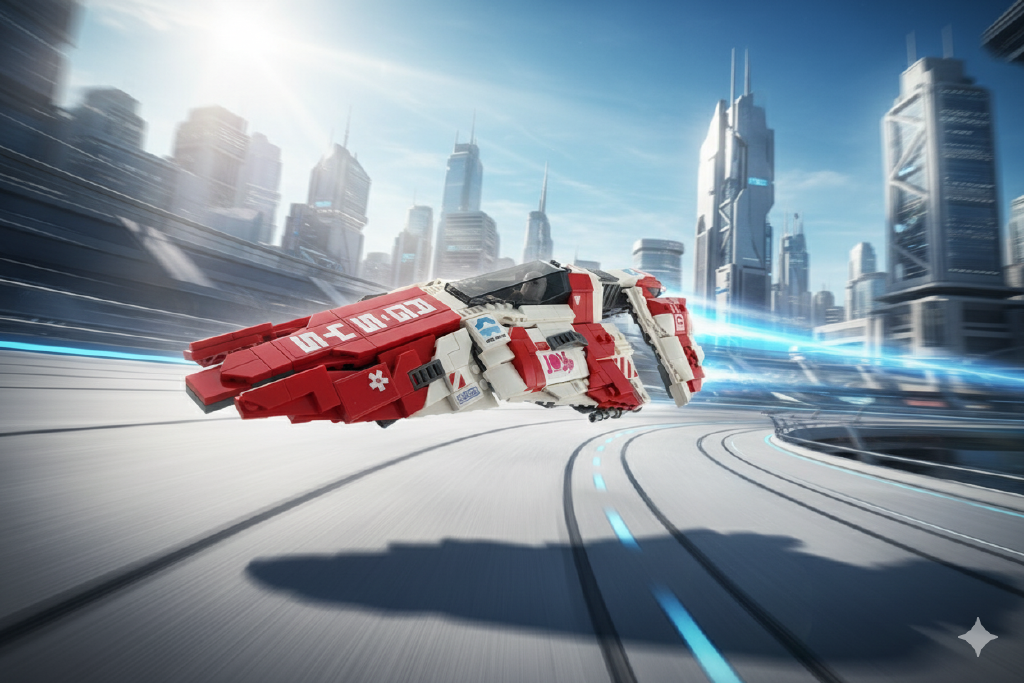
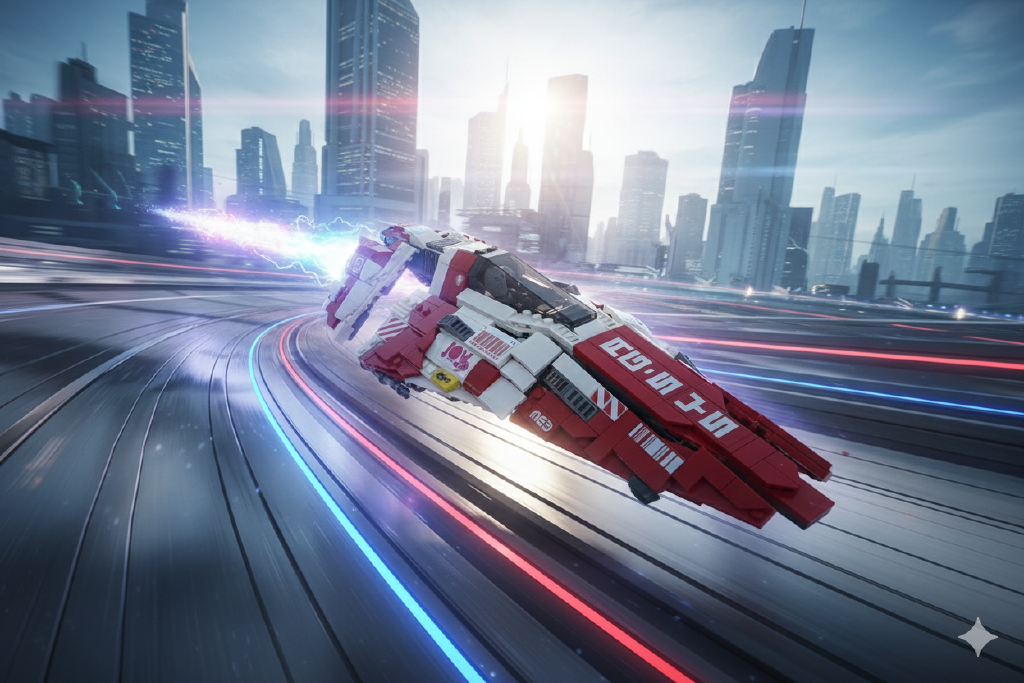
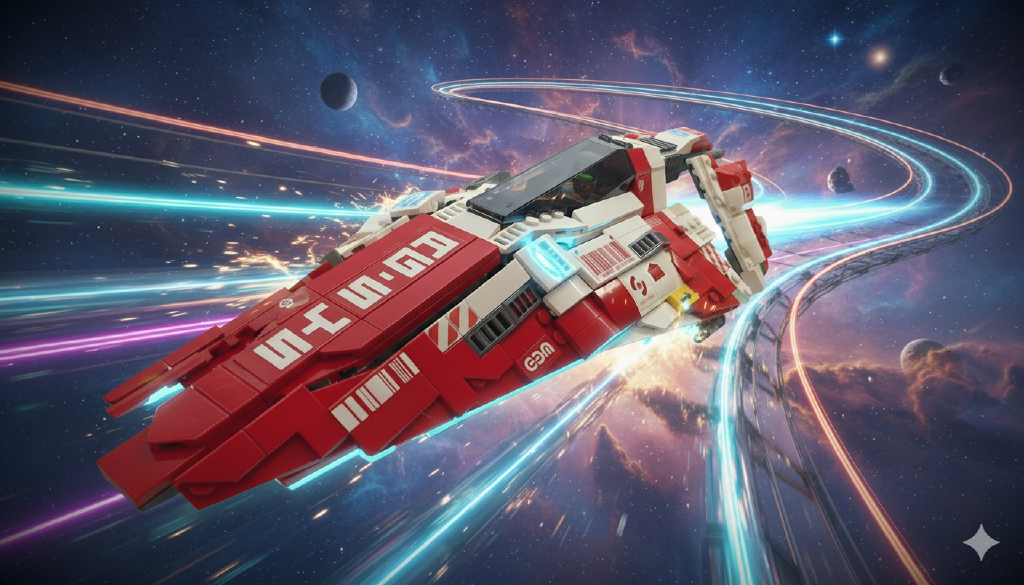
For fun, I asked Google Gemini to place the model in Wipeout. It didn't do too bad a job!
Build Stats & Downloads#
The finished model:
- Size: About 35cm nose to tail
- Pieces: 776 pieces (including stand)
- Scale: Minifigure scale
Build it - buy the full kit
The AG-Systems is now available as a full kit from Build-A-MOC — recommended if you want every piece, the custom sticker sheet, and downloadable instructions all in one place, ready to go. The kit includes:
- All LEGO pieces
- Custom sticker sheet
- Downloadable instructions
Buy the full kit on Build-A-MOC
Build it - Download instructions, source your own Lego
Unfortunately, Bricklink have a fairly strict IP Violation policy and while I have listed a project for it (see: Wipeout HD AG Systems Anti-Gravity racer), it doesn't have any Wanted List features that would allow you to build it yourself.
So.. instead grab my download below. In it you'll find:
- Bricklink Studio project file (.io)
- Instructions PDF
- Sticker sheet PDF (with bonus stickers for Laptops and other places)
You can also find this model on my Rebrickable profile if you prefer that platform.
As an added bonus, I also recreated vector versions of Wipeout weapons icons for the instructions cover sheet. Grab these here:
- Wipeout Weapons Vector Logos - Vector graphics bonus pack.
All of these are covered by the Creative Commons Attribution-NonCommercial-NoDerivatives 4.0 International License, which essentially says use it as you see fit, but you can't sell it or claim it as your own.
To print the sticker sheet, grab the PDF and use any printer who can kiss cut a sticker sheet. The cut lines are included in the design.
Reflection#
This was a really fun crack at using Bricklink's Studio, designing virtually and then building IRL. The software can be a little addictive and led to too many late nights grabbing bricks, rotating, swapping and changing to get just the "right" combination. Generating very accurate instructions to build your model and then share is a great added bonus.
The whole process - from initial inspiration through virtual design to physical construction - really highlighted how much planning goes into even a relatively simple-looking model. Every angle matters when you're trying to capture those sleek anti-gravity racing lines with rectangular bricks!
Next project? Maybe something a little bigger? We'll see...
Credits#
While this design was wholly my own, as mentioned above I did take inspiration from those lego builds of Wipeout craft that came before me. Additionally, the sticker sheet used assets shared by others including:
- Wipeout HD Fury Shapes Mega Pack + Resources By Liger-Inuzuka
- WipEout Pure All Logo's Vector by Curtis Agnew (X_0rm)
- WipEout logos and texts By ollite20
Many thanks to each of theme for creating and sharing their work. This project is so much more realistic being able to implement the livery and Wipeout world. Many thanks to you all.